


Bill a project by percentage of completion
Objective. Invoice each project phase from its cumulative percentage of completion, deduct amounts already invoiced and preserve a clear reconciliation between the contract budget, progress and issued invoices.
Your data before starting
Choose a customer and matter from your subscription with a clearly identifiable progress-billing phase. Record the contractual amount, sales code, one-character VAT code, template, prior invoices and dated completion evidence. If your data contains no such phase, stop the practical exercise after the paper calculation and ask your administrator to prepare the prerequisite.
What you will learn
- Structure the billing budget into stable, identifiable project phases.
- Calculate the current invoice from cumulative completion rather than the period-only percentage.
- Understand how previous invoices and a decrease in progress affect the amount to bill.
Recommended workflow
- Create the phase budget with consistent sales codes, descriptions, amounts and VAT rules.
- Open the dedicated progress-billing workflow for the correct client and matter.
- Enter documented cumulative completion for each phase and review the previously invoiced amount.
- Verify the difference to invoice, the draft and its appendix, then reconcile the new cumulative total after issue.
Before continuing
- The sum of phase budgets matches the contractual billing basis.
- Each completion percentage is supported by an approved business source.
- A negative difference is reviewed as a potential credit note and is never validated automatically.
Prerequisites and cumulative equation
Use a exercise matter with a mandatory, identifiable phase budget of €10,000 excluding VAT. The phase needs a validated sales code, VAT treatment and progress-invoice template. Keep dated project evidence supporting each percentage. A client/matter form without a real phase table is not enough: Tempolia cannot perform meaningful progress billing until the phase budget exists.
For every situation apply the same equation: phase budget × cumulative completion − previously invoiced progress = current difference. The percentage is total completion to date, not the month’s increment. Never add 20% and then 35%; the second value replaces the cumulative state.
Calculate and track cumulative progress
The project manager first certifies 20% cumulative completion, then 35%, and later corrects the estimate down to 30%. Expected differences are €2,000, then €1,500, then −€500. The negative result triggers review for a possible partial credit; it is never silently changed to zero or automatically validated.
- 10 min: establish the equation and evidence rule.
- 15 min: create and review the phase budget.
- 25 min: simulate 20%, 35% and 30% in the dedicated table.
- 20 min: review drafts and appendix without issue.
- 10 min: decide how to handle a decrease or budget change.
Each situation satisfies budget × cumulative percentage − prior billed amount. The 30% correction produces −€500 and a documented stop for review.
1Create a real phase budget
Path: Budgets > Budget by matter and Billing budgets.
Define the phase name, €10,000 contractual basis, sales code, VAT and responsible project manager. If the contract has several independently accepted deliverables, create separate phases so their completion and prior billing can be reconciled. The sum of phases must equal the progress-billing basis, not an unrelated internal time budget.
Do not proceed when only client and matter selectors appear. Check rights, matter configuration and phase rows. A fallback to a generic billing form would remove the cumulative calculation taught by this training.
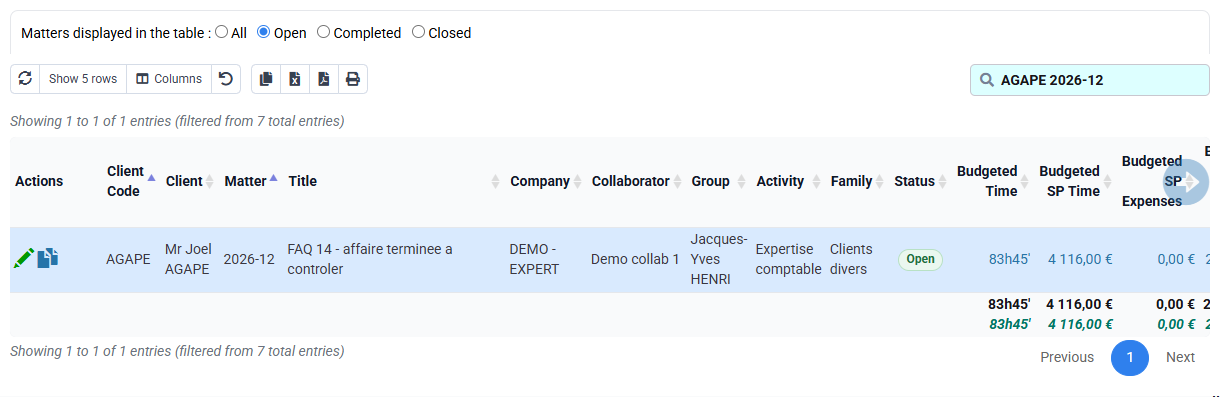
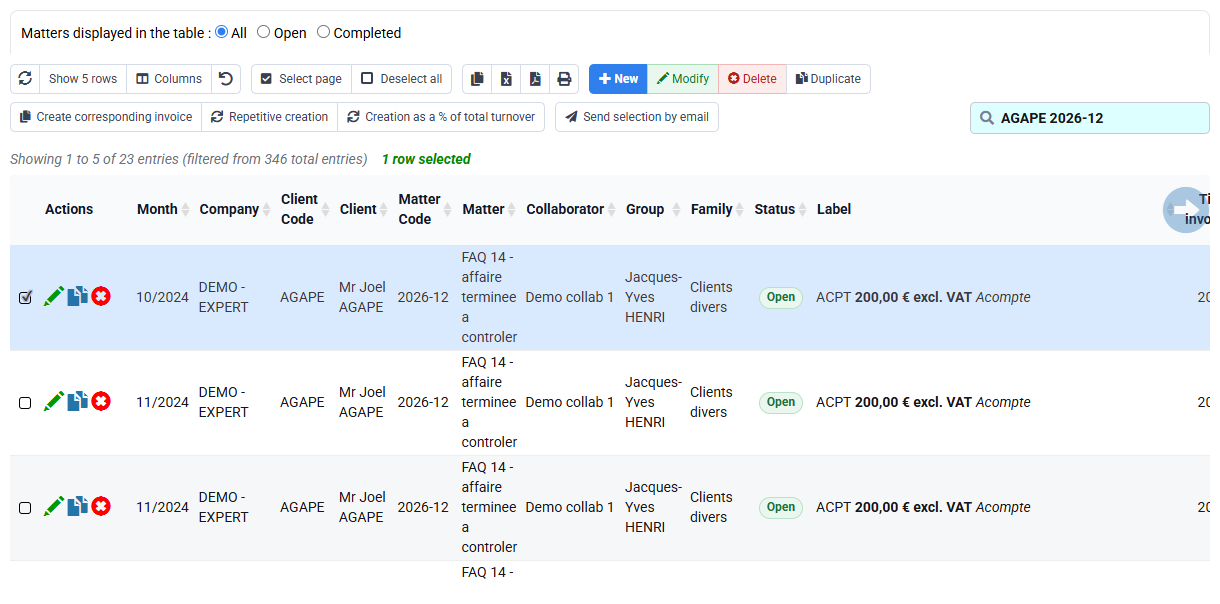
Acceptance criterion on a prepared exercise base: one identifiable phase totals €10,000 and appears in the dedicated table. your subscription currently has no such real row, so record the prerequisite blocker and stop before calculation.
2Simulate the three cumulative situations
Path: Billing > Invoice preparation, select the progress-billing action and open its specialised table.
At 20%, completed value is €2,000 and prior billed is zero, so difference is €2,000. Treat that result as the prior billed basis for the next simulation. At 35%, completed value is €3,500 and prior billed €2,000, so the current difference is €1,500. At 30%, completed value is €3,000 while prior billed is €3,500, so difference is −€500.
Enter only evidence-backed cumulative percentages. If Tempolia displays €3,500 as the second invoice, the prior situation was not recognised or the wrong matter/phase is selected. If the negative value disappears, stop: a business correction must not be masked by clamping to zero.

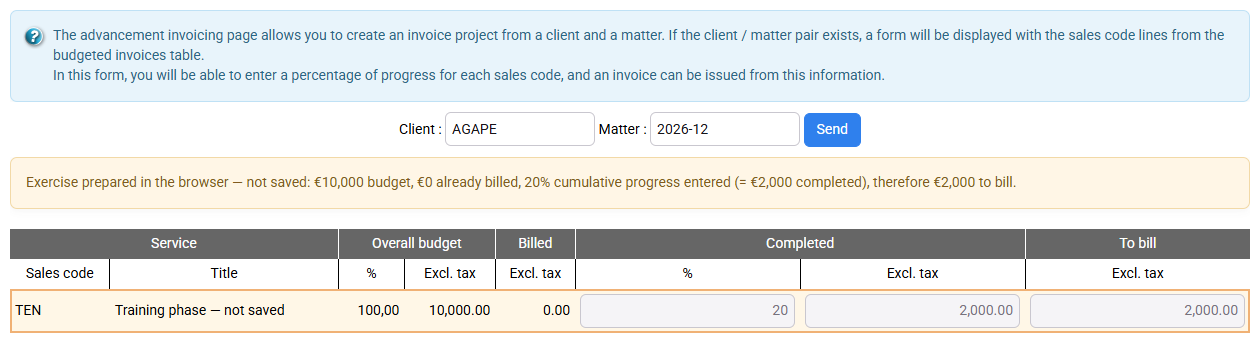
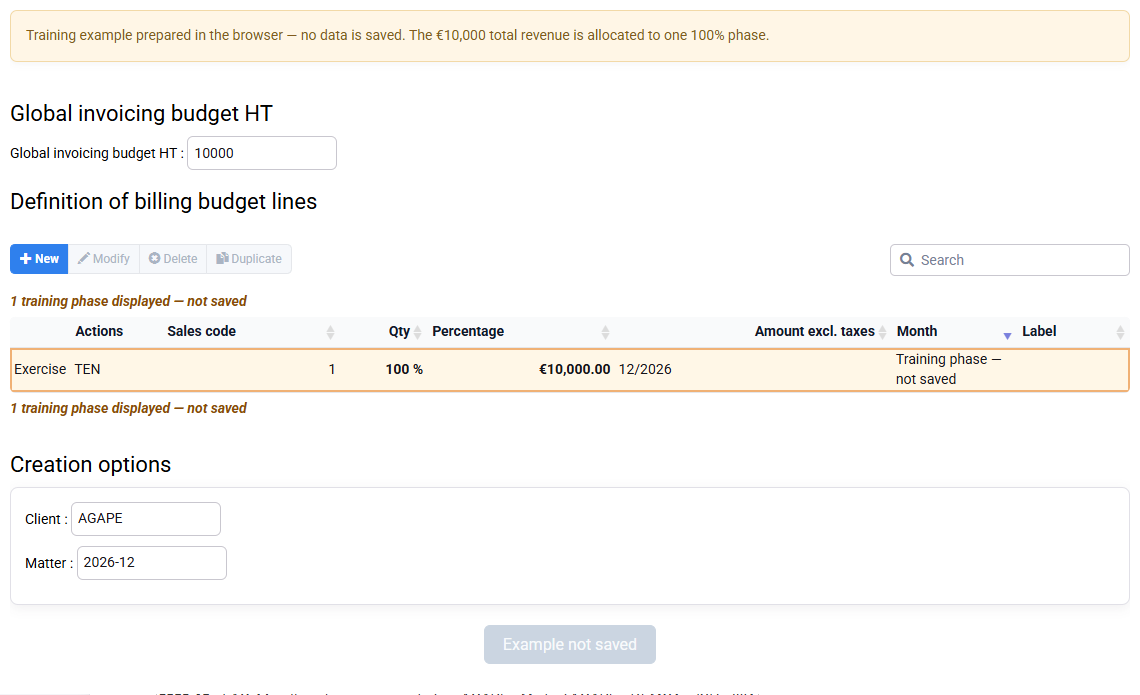
The current unsaved simulation illustrates only the first equation, €2,000 from 20% and zero prior billing. The €1,500 and −€500 values remain worked expectations to reproduce on an authorised prepared base; they are not results read from your subscription.
3Review the draft, appendix and project
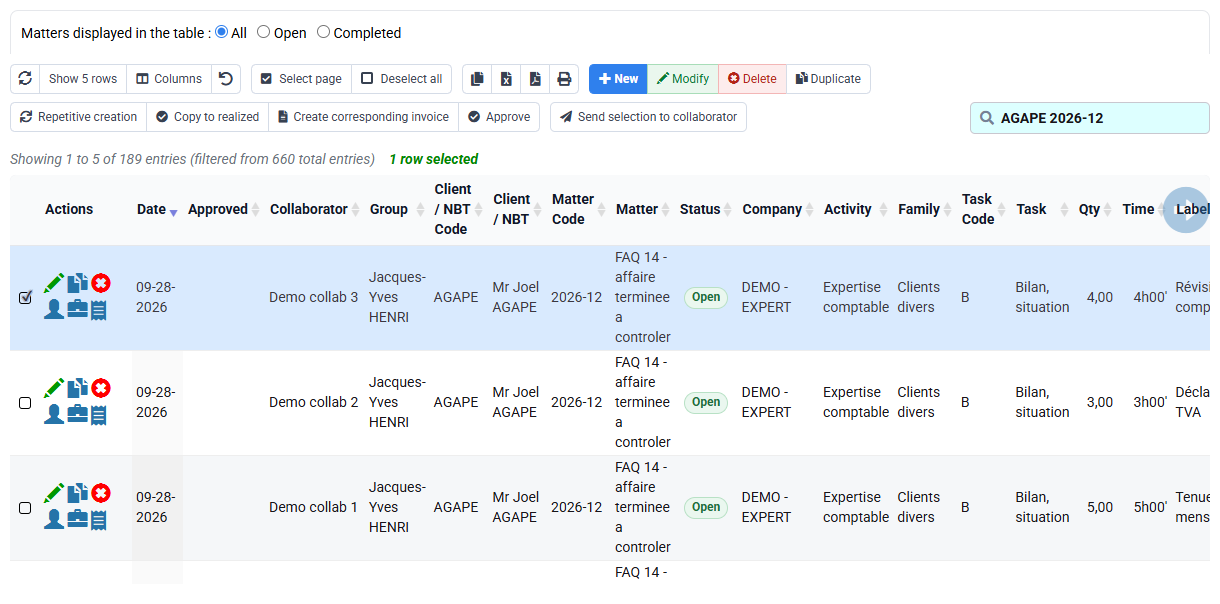
Path: Billing > Invoices awaiting validation, templates, reports, time budgets, forecast and engagement document.
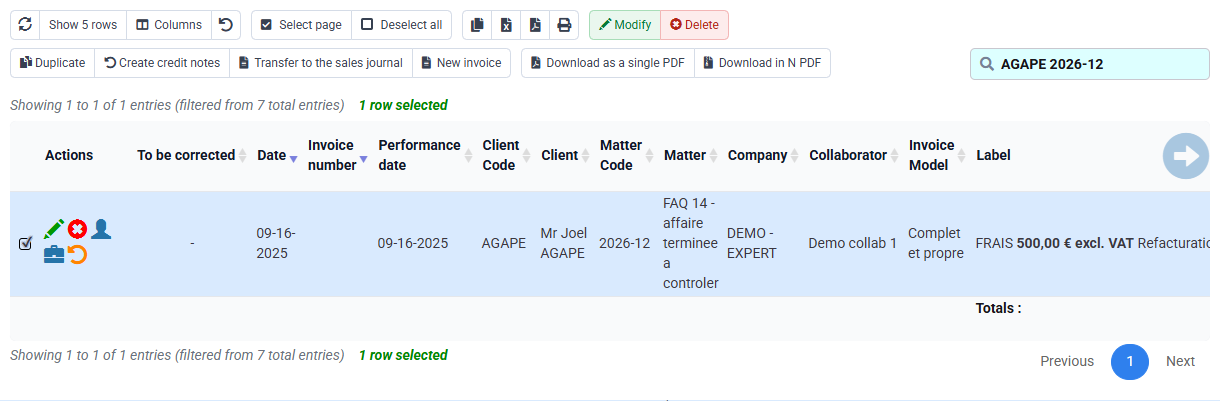
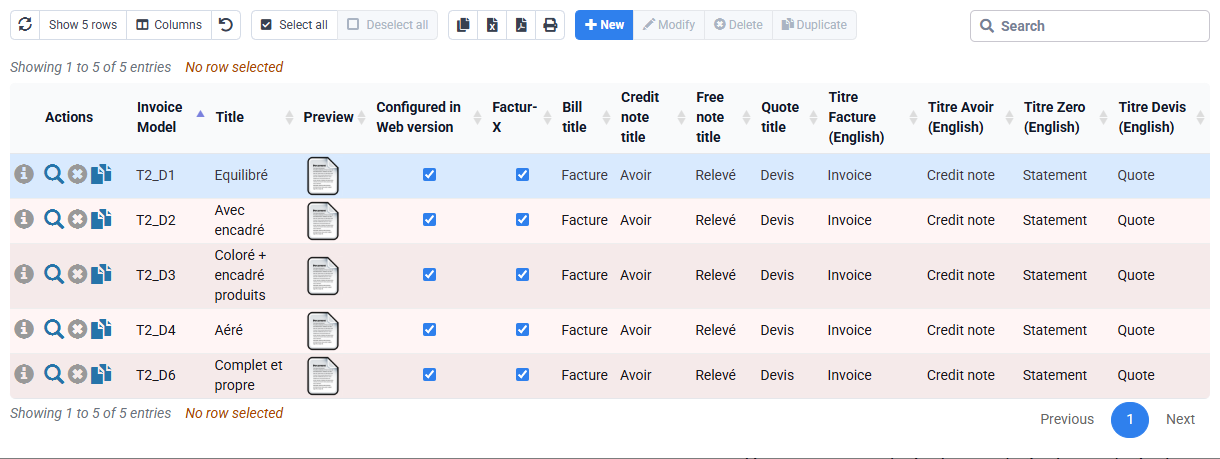
For each positive simulation, open the unissued draft and appendix. Reconcile phase budget, cumulative percentage, completed value, prior billed amount and current difference. The appendix must help the client understand the cumulative position. Do not issue during training.
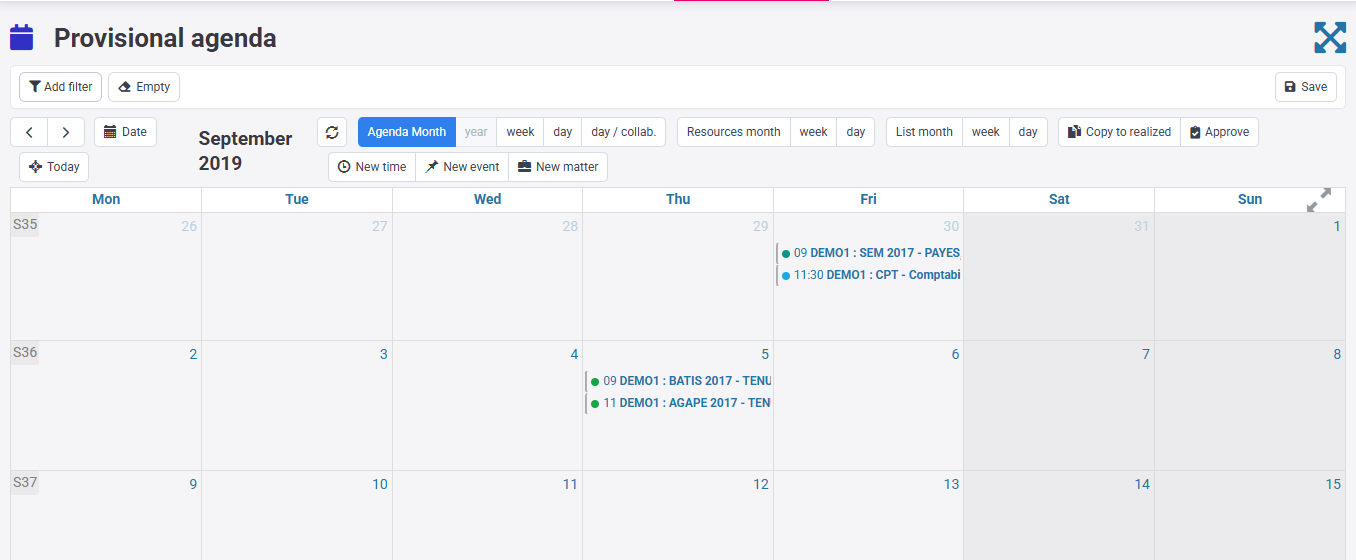
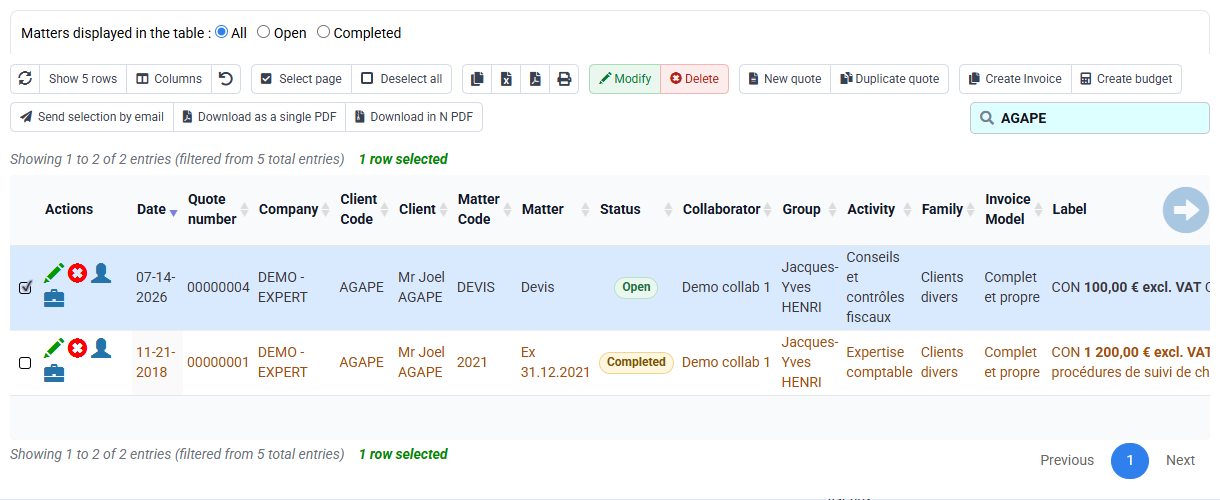
Time budgets, forecast agenda and quotation or engagement letter provide context and evidence but do not replace the contractual phase table. A changed €10,000 budget requires formal approval and a documented basis; changing it merely to obtain a preferred difference destroys comparability.
4Handle decreases and complete the final control
A decrease from 35% to 30% may reflect corrected estimation, rejected work or scope change. Record the dated reason and obtain approval. The −€500 difference may call for a partial credit note or another authorised treatment; it must not be automatically emitted or erased.
The issued journal becomes evidence only after authorised processing. In this workshop, use it to understand how prior billing would be established, not to create a fiscal document.
The negative difference remains visible and is accompanied by a decision record naming cause, reviewer and authorised next step.
Hands-on equation checks
- Prove the phase. Match the €10,000 row to the contract and its sales treatment.
Current your subscription has no real phase row: record “phase prerequisite missing” and stop. Continue only after another reviewer sees the persisted €10,000 row on a prepared scope in your subscription.
- Calculate 20%. Record €2,000 completed, €0 prior and €2,000 difference.
All three values are visible and reproducible.
- Calculate 35%. Record €3,500 completed, €2,000 prior and €1,500 difference.
35% is cumulative; it is not added to 20%.
- Calculate 30%. Record €3,000 completed, €3,500 prior and −€500 difference.
The negative value triggers review and remains unissued.
Validation conditions for the 1 h 20 workshop
- The test contract and budget materialise a €10,000 TEN phase; the live €1,000, €260 and €70 budgets are separate examples.
- The unsaved unsaved training form illustrates the first cumulative equation: 20% × €10,000 − €0 = €2,000 to bill. It proves neither a persisted phase nor a calculation executed by Tempolia.
- The €2,000, €1,500 and −€500 amounts are first checked in the worksheet. Count them as tested in Tempolia only after an authorised real phase exists on a test base and budget, prior amount and difference are visible; no document is issued.
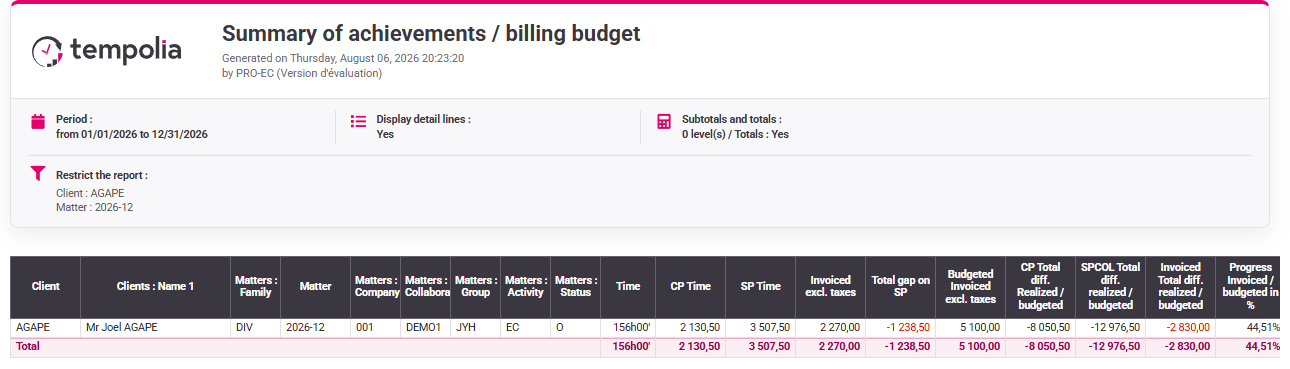
- The final report separates the training case from the live 44.51% your selected customer result and retains the contractual basis.
Without an actual phase, budget, prior amount or approved percentage, the selection screen is an incomplete diagnostic; issue nothing.
Errors to avoid
- Starting without a phase table and accepting a generic empty form.
- Entering period increments instead of cumulative percentages.
- Using time consumed as automatic contractual completion.
- Changing the phase budget to force a desired invoice.
- Ignoring prior invoices or treating drafts as prior issued amounts.
- Clamping a negative difference to zero or validating it automatically.
Step back
Progress billing converts a documented project assessment into a cumulative commercial position. It is not simply percentage × budget: prior issued progress is an essential part of every calculation. The traceable chain is contractual phase → approved cumulative completion → completed value → prior billed → current difference → document.
A decrease is valuable information. It may reveal revised scope, rejected work or earlier overstatement and therefore deserves more control, not less. Preserving the negative difference makes the decision auditable.
- Require a stable phase structure before any calculation.
- Support every cumulative percentage with dated approval.
- Reconcile drafts and issued documents separately.
- Stop when the phase, evidence, prior billing or negative treatment is unclear.
You can reproduce €2,000, €1,500 and −€500, explain why phases are mandatory and organise a documented review instead of hiding a decrease.
Missing prerequisite and preparation file
your subscription currently contains no progress-billing phase for this exercise. The client/matter selector and empty phase area are therefore a prerequisite diagnosis, not evidence that €2,000, €1,500 or −€500 was calculated. Stop before the specialised simulation and prepare a phase-creation request containing the test matter, €10,000 contractual basis, phase wording, sales code, VAT, responsible approver, effective date and supporting engagement document.
Resume only on an authorised prepared base after a reviewer confirms that the real phase row is visible. Then run all three simulations without issue and attach a four-column reconciliation for budget, completed value, prior issued amount and difference. This distinction between a theoretical worked example and an executed Tempolia result prevents an empty form from being published as proof.
Facilitator checkpoint
Ask the learner why 35% produces €1,500 rather than €3,500 and why 30% produces a negative value. A satisfactory answer names the €10,000 phase, cumulative completed value and prior issued amount. If any term is missing, revisit the equation before opening Tempolia; operating the form is not evidence that the cumulative logic has been understood.