

Bill subscriptions and renew a billing schedule
Objective. Turn a recurring engagement into a reliable billing schedule, prepare each expected invoice and renew the plan without creating duplicate budget lines or invoices.
Your data before starting
Choose one customer, one open matter and one year with no existing subscription schedule in your subscription. Record them as SUBSCRIPTION-CUSTOMER and SUBSCRIPTION-MATTER in your checks. Use a validated sales code, a one-character VAT code, an invoice template and coherent payment terms. If 2027 is already in use, transpose the four months to the next unused year.
What you will learn
- Create monthly, quarterly, annual or custom billing schedules.
- Understand the transition from a billing budget to a draft and then an issued invoice.
- Renew recurring budgets while controlling dates, amounts and duplicates.
Recommended workflow
- Confirm the client, matter, issuing company, contract period, total amount and billing frequency.
- Create the schedule with stable sales codes, descriptions, dates, amounts and VAT treatment.
- Review the number of instalments, first and last dates and total value before invoice preparation.
- Issue due invoices, confirm that billed instalments are no longer proposed and document the renewal of the next period.
Before continuing
- The number of instalments multiplied by the instalment amount matches the contractual total.
- Renewal does not overlap an existing schedule or an already issued invoice.
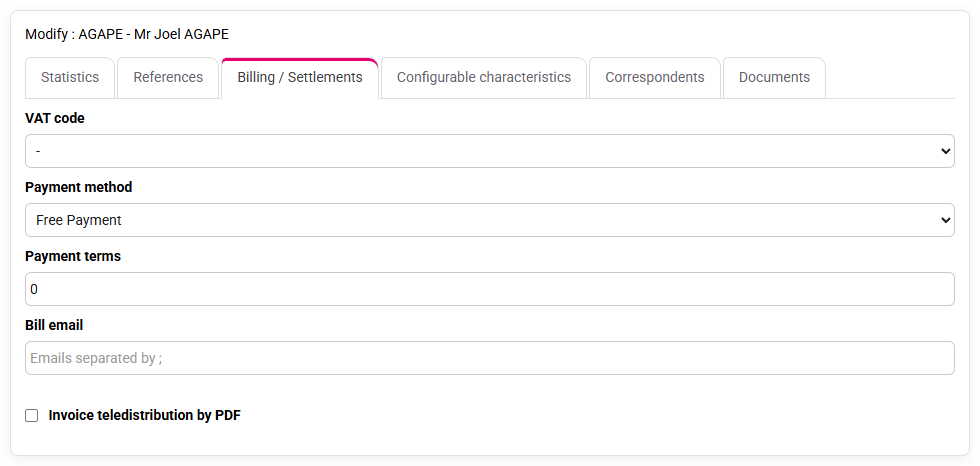
- Payment terms and customer billing conditions are checked before the first invoice.
Prerequisites and the three objects to reconcile
Carry out all writes only in an authorised training scope in your subscription with access to matters, billing budgets, invoice preparation and drafts awaiting validation. In your subscription, use the unsaved prepared forms and historical screens only as reading aids. The sample customer is SUBSCRIPTION-CUSTOMER, the matter is SUBSCRIPTION-MATTER, and the annual support contract is €1,200 excluding VAT, billed in four instalments of €300. Check the issuing company, sales code, VAT rate, invoice template and payment terms before entering the schedule.
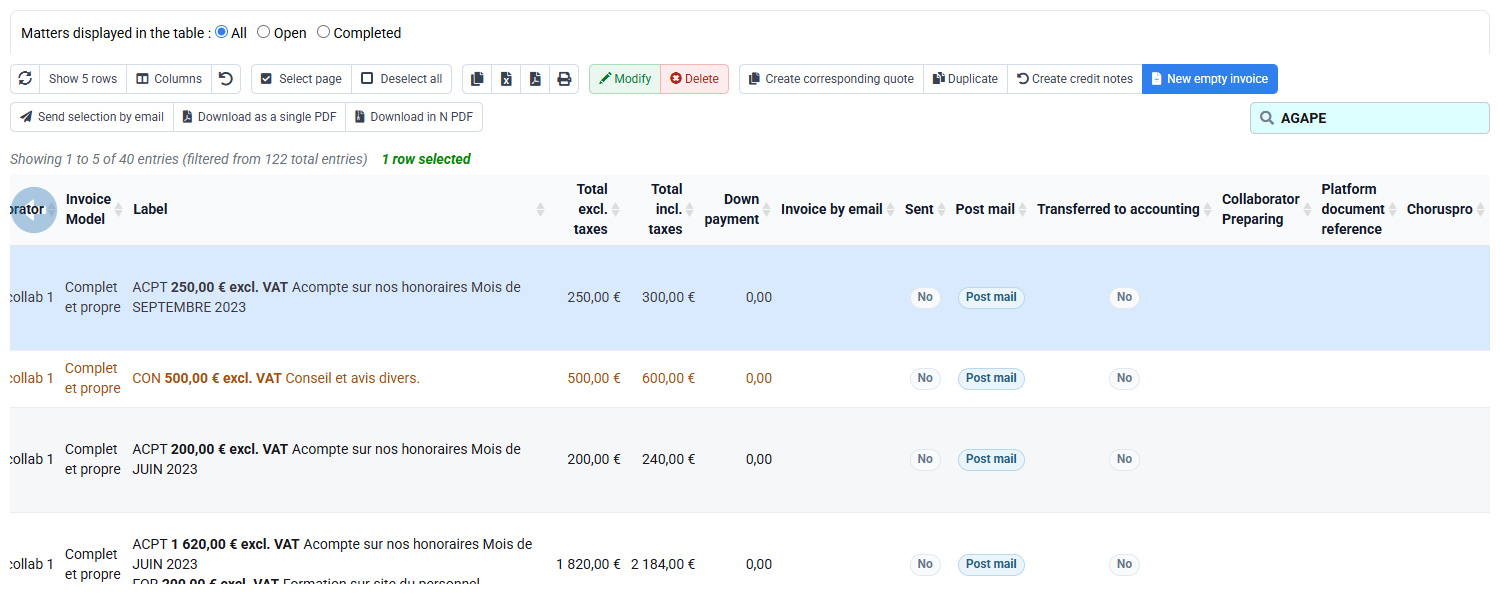
Keep three objects distinct. The billing budget expresses when and how much the firm expects to bill. The draft is the proposal generated for review at a precise invoice date. The sales journal contains the final issued document. A budget line is therefore neither an invoice nor proof that an invoice has already been issued.
Four instalments without duplicates
The contract calls for invoices dated 15 January, 15 April, 15 July and 15 October 2027. Tempolia billing budgets store a budget month, normalised to the first day of that month. The four budget lines must consequently display 1 January, 1 April, 1 July and 1 October. The exact date of the first draft, 15 January, is chosen during invoice preparation; it must not be inferred from the budget date alone.
- 10 min: review the contract, matter and reference data.
- 20 min: build the four instalments and reconcile their total.
- 15 min: test renewal and duplicate controls.
- 20 min: prepare the first due instalment and review its draft.
- 10 min: reconcile the schedule, draft and annual monitoring.
Four budget lines dated on the first day of January, April, July and October total €1,200 excluding VAT. Preparing on 15 January proposes one €300 line and creates a draft dated 15 January. A renewal simulation creates the same months one year later without a duplicate.
1Translate the contract into controlled instalments
Path: Clients / Matters > Matters, then Budgets > Budget by matter and Billing budgets.
Open SUBSCRIPTION-MATTER and verify customer, issuing company and contract period. Create four occurrences of the validated subscription sales code at €300. Read the result as an annual control: four occurrences × €300 = €1,200. If the service has several tax treatments or deliverables, use separate lines rather than an opaque global amount.
Do not enter 15 January as if the billing budget preserved the day. The stored first-of-month date means “budgeted in January”. It does not mean that the contractual invoice should be dated 1 January. Record the exact contractual day in the billing procedure or other appropriate contract information.
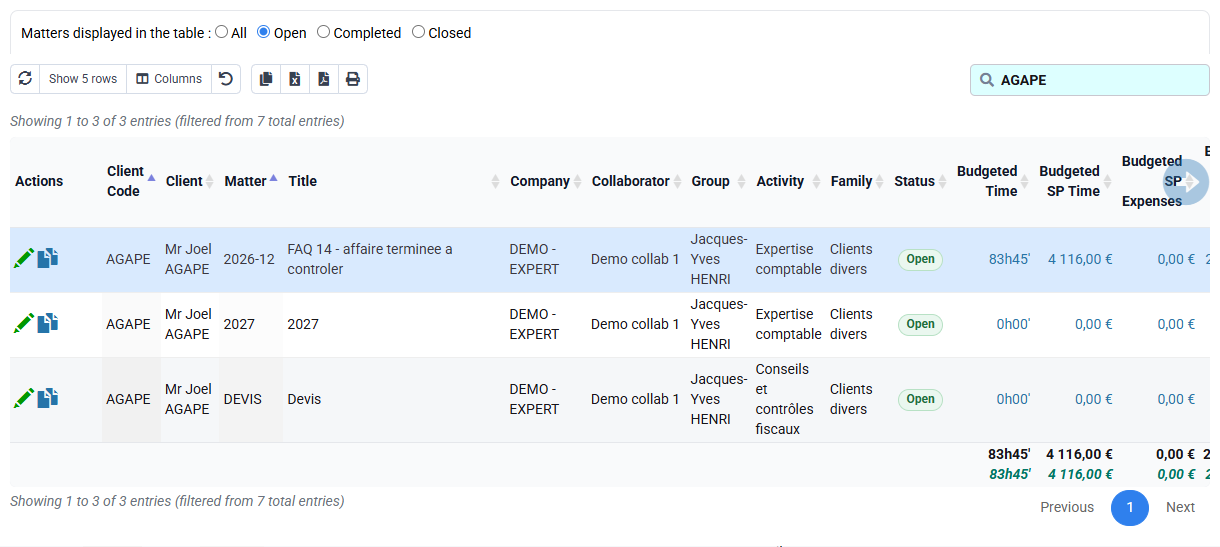
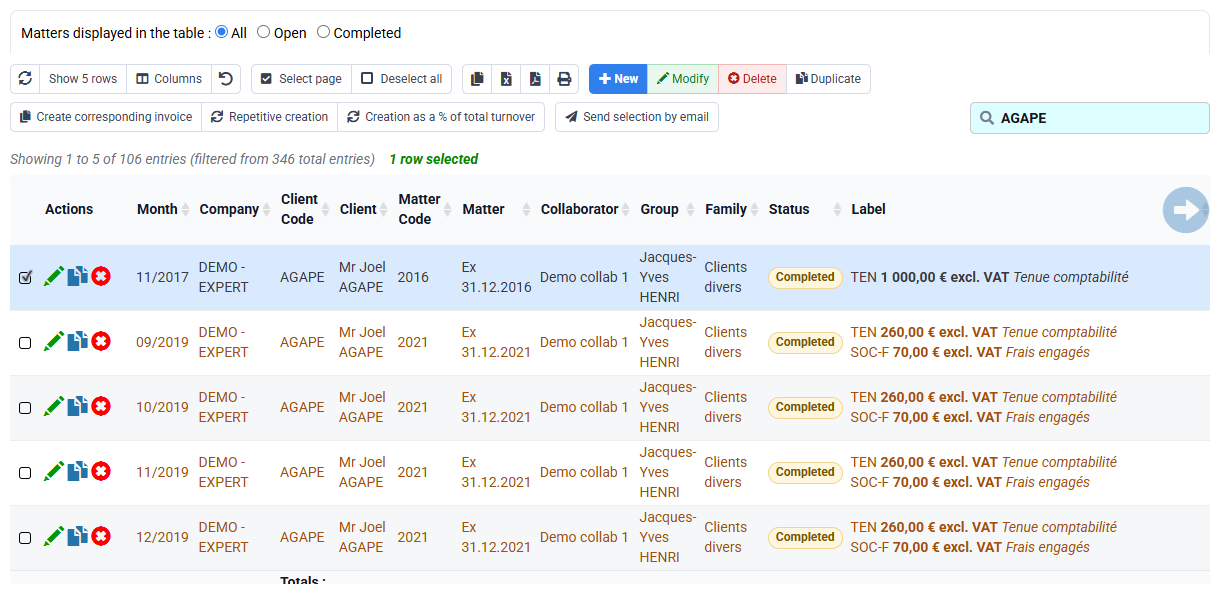
The schedule has exactly four rows and €1,200 total. A €4,800 total usually means €1,200 was entered per occurrence; three or five rows indicate an occurrence or horizon error.
2Use repetition and renewal without duplicates
Path: Budgets > Budget renewal.
The repetitive form is a data-entry aid, not an exemption from review. Confirm start month, interval, number of occurrences, unit amount and total. Then compare the budget table or forecast agenda with the contract. A capture of an empty agenda or unrelated customer does not validate this case.
For renewal, choose 2027 as source and 2028 as target. Read any reported existing lines before choosing add or replace. An already existing 2028 instalment is a discrepancy to explain, not a warning to ignore. Simulate without confirming when the database is not dedicated to this exercise.
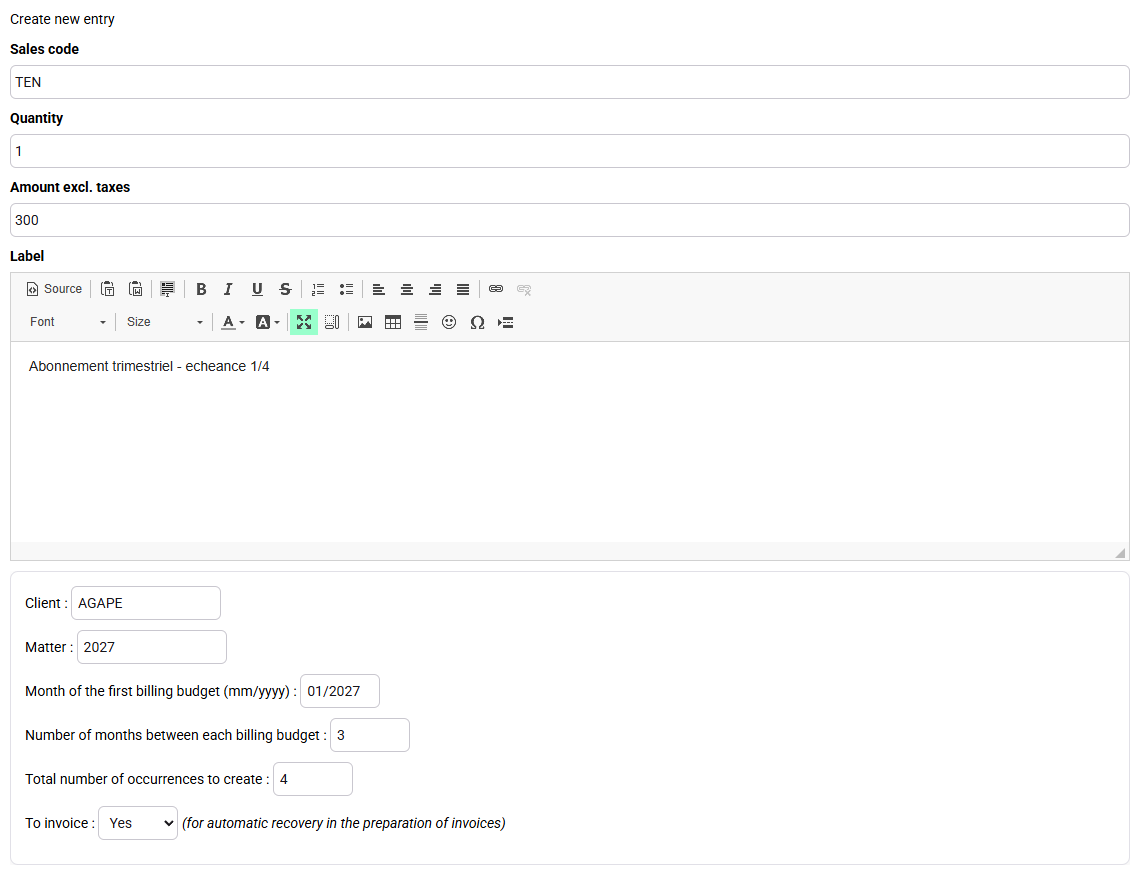
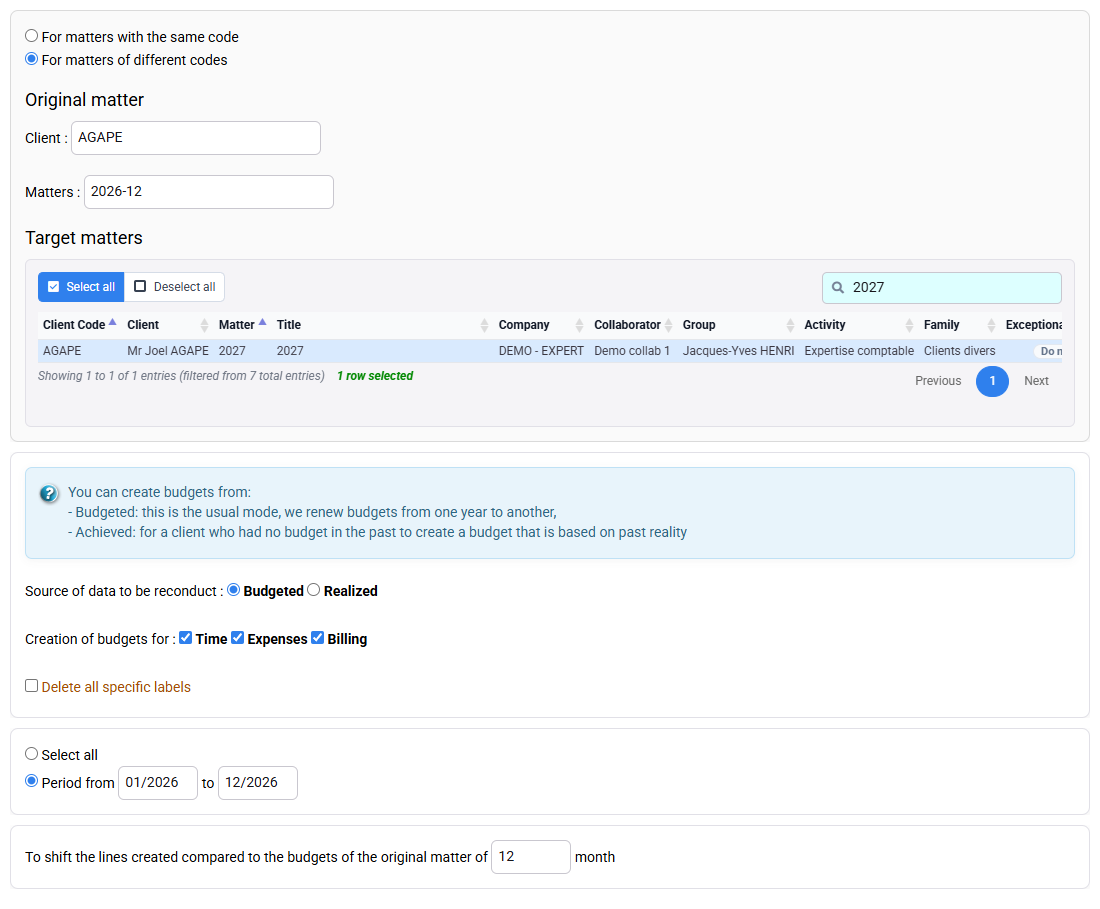
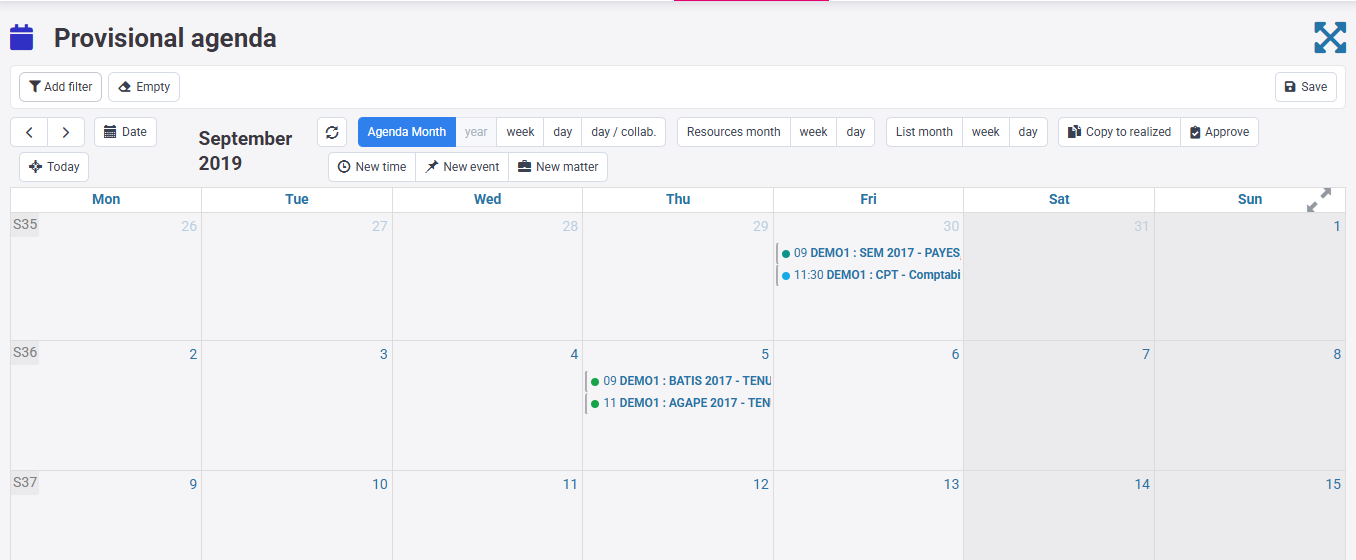
Renewal keeps the same four months and amounts shifted by one year. Any pre-existing target row is identified before a write, so the learner can decide whether it is legitimate rather than create a second schedule.
3Prepare only the instalment due on 15 January
Path: Billing > Invoice preparation, then Billing > Invoices awaiting validation.
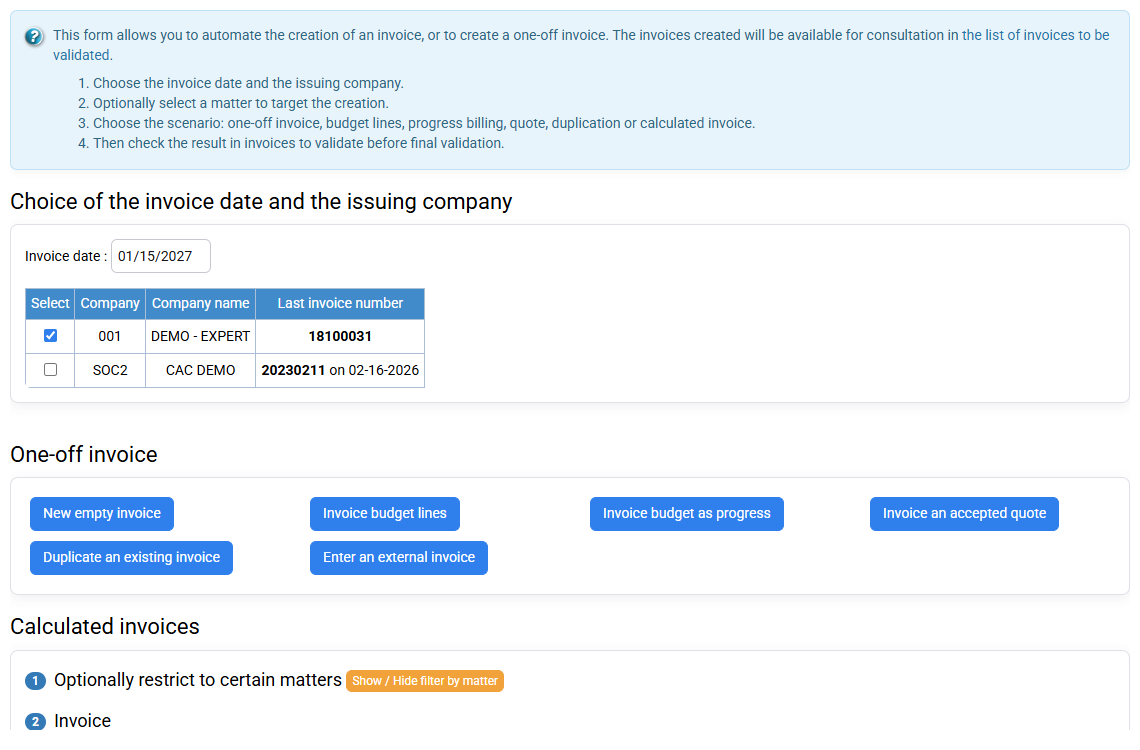
Set the issuing company and preparation date to 15 January 2027 and limit the calculation to SUBSCRIPTION-MATTER. The January budget stored at 1 January is now eligible; April, July and October remain future. Generate without issuing and open the single draft.
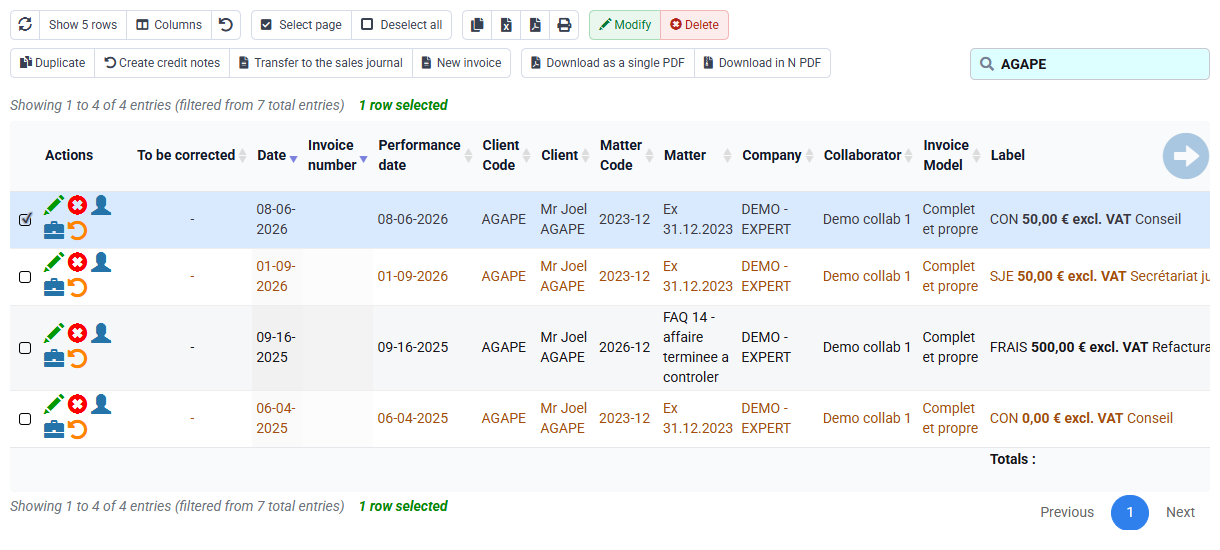
Review customer, matter, service description, €300 excluding VAT, VAT, total including VAT, payment due date and source budget. If four lines are proposed, check each budget month and automatic-retrieval options. If no line appears, check the retrieval indicator, matter status, company scope and whether the budget was already consumed.
4Review presentation, customer terms and downstream controls
Path: Billing > Invoice templates, Clients > Clients, then issued invoice journal and accounting export.
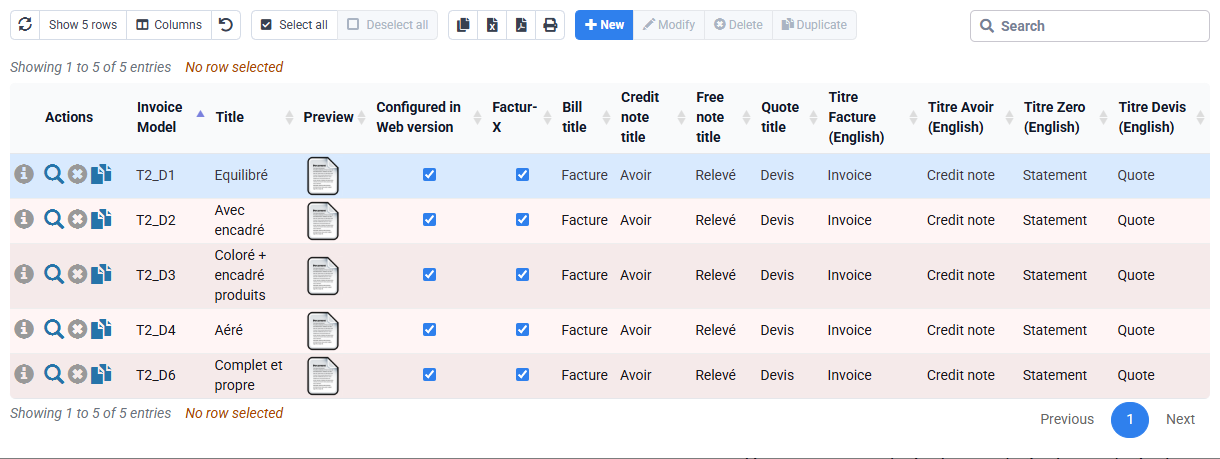
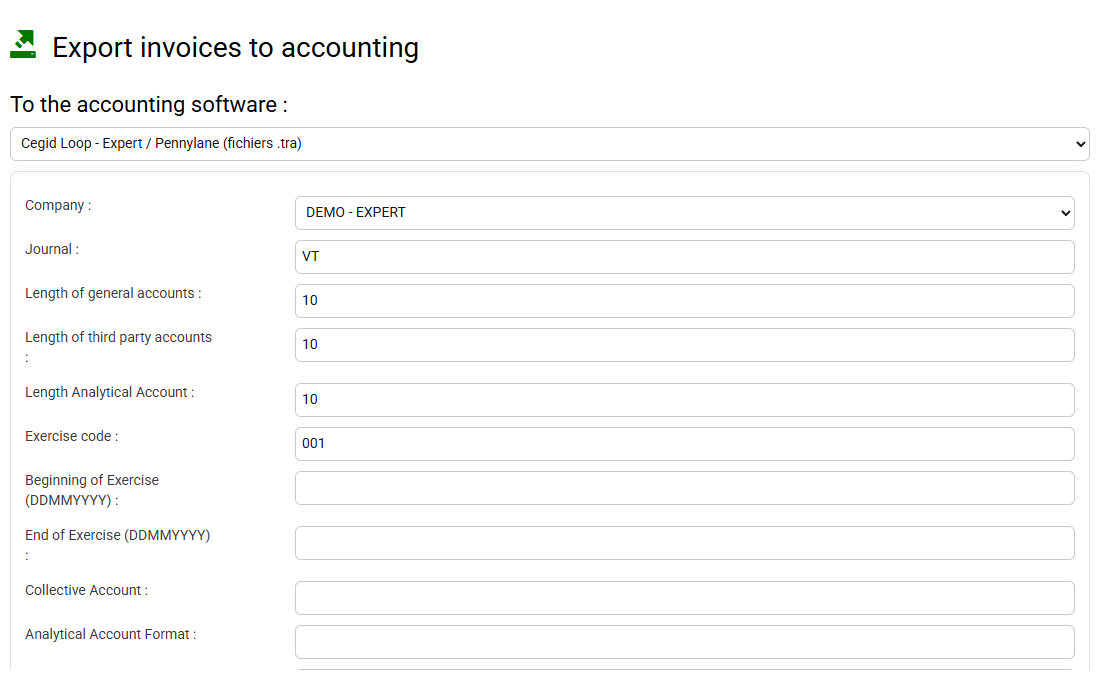
The template controls common presentation; the customer record supplies tax identity, billing address, payment method and terms. Correct a recurring source error there rather than editing every future draft. The issued journal and accounting export are downstream controls only after authorised validation; their role in this exercise is to understand traceability, not to issue the sample invoice.
Hands-on reconciliation and diagnosis
Perform the writes below only on that authorised scope; in your subscription, stop at the unsaved prepared forms and read-only historical evidence.
- Reconcile the schedule. List the four budget months, unit amounts and total, then compare them with the contract.
1 January, 1 April, 1 July and 1 October at €300 each, total €1,200. The first-of-month storage is intentional and does not change the contractual invoice day.
- Simulate renewal. Compare source and target periods and inspect duplicate messages before any confirmation.
2028 would receive the same four months once only. A target line already present is explicitly resolved, never hidden by creating another one.
- Reconcile the draft. Prepare at 15 January, open the €300 draft and navigate back to its source budget.
The budget month is 1 January and the draft date is 15 January. You can explain both dates and confirm that future instalments were not consumed.
- Classify each state. Mark every instalment as future, available, prepared or issued from actual evidence.
No line is described as issued merely because it exists in a budget or draft. Every state is supported by the appropriate screen.
Errors to avoid
- Entering the annual amount as the amount of every occurrence.
- Reading the normalised budget date as the contractual invoice day.
- Renewing without checking existing target lines and issued documents.
- Preparing every future instalment because the filter or retrieval option is too broad.
- Correcting recurring VAT or payment-term errors only in each draft.
- Calling a budget or draft an issued invoice.
Step back
A subscription is not a copied invoice. It is a contractual commitment translated into dated forecast instalments and then consumed by controlled preparation. The chain contract → billing budget → draft → issued document must remain reconcilable in both directions.
The budget answers “when and how much do we expect to bill?”; the draft answers “what are we proposing now, on which precise date?”; the invoice answers “what was definitively issued?”. Renewal is a governed decision for a new horizon, not a blind duplication of the closed period.
- Monitor annual total, occurrence count, drafts awaiting validation and issued invoices together.
- Keep month-level forecast storage and exact document dating conceptually separate.
- Treat duplicate detection as a business control, not a technical inconvenience.
- Stop before issue when customer data, tax treatment, amount or source reconciliation is uncertain.
You can explain every amount from contract to draft, detect a missing or duplicated instalment before issue, and distinguish a legitimate first-of-month budget date from the exact fifteenth-day invoice date.