

Prepare invoices from budgets, time, expenses or subscriptions
Objective. Prepare consistent draft invoices from the appropriate sources, review their content and tax treatment, and validate them only after the client, matter and amounts have been checked.
What you will learn
- Choose the correct preparation method for budgets, time, expenses, quantities or subscriptions.
- Understand the difference between source data, a draft invoice and an issued invoice.
- Review invoice lines, VAT, due dates, presentation and supporting details before issue.
Recommended workflow
- Confirm the issuing company, invoice date, client and matter before selecting source data.
- Select only the budget lines, time entries, expenses or recurring items covered by the billing period.
- Open the draft in the invoices-to-validate list and review every line and total.
- Validate the invoice, check the final document and reconcile the source data marked as invoiced.
Before continuing
- The selected period and source data do not overlap a previous invoice.
- Sales codes, descriptions, VAT rates, payment terms and recipient details are correct.
- The draft remains editable until validation; the issued invoice follows the corrective-document workflow.
Before you begin
Choose a client and matter in your subscription with a billing budget, billable time and, when the contract allows it, a re-billable expense. Prepare a readable draft without issuing it. For example, an €850 monthly budget lets you check that a fixed fee is included only once.
Prerequisites
- Locate the budget, at least one time and one expense record and note billable/already-invoiced states.
- Check HONO, VAT code 2, invoice template, client, matter and invoice date 30/06/2026.
- Remain in preparation or invoices awaiting validation; do not validate, send or transmit training documents.
- Before preparation, write down company, client, matter, period, invoice date, included and excluded sources and expected total. Compare that result with the draft carrying the same identifier and filters.
Suggested schedule — 1 h 25
- 5 min: define company, period, client and expected result.
- 10 min: select perimeter and sources.
- 15 min: compare budget and actual proposals.
- 10 min: check budget consumption.
- 10 min: check time, expenses and duplicates.
- 10 min: review sales code, VAT, template, client and matter.
- 10 min: anticipate journal, payment and export.
- 10 min: complete preparation without issue.
- 5 min: step back on the billing method.
1. Choose a billing method from the commercial rule
A fixed fee, actual time, re-billable expenses, quantities, subscription and progress billing answer different contracts. Do not choose the method that produces the desired total fastest. Read the engagement and identify what the client purchases, when it becomes billable and what detail must appear.
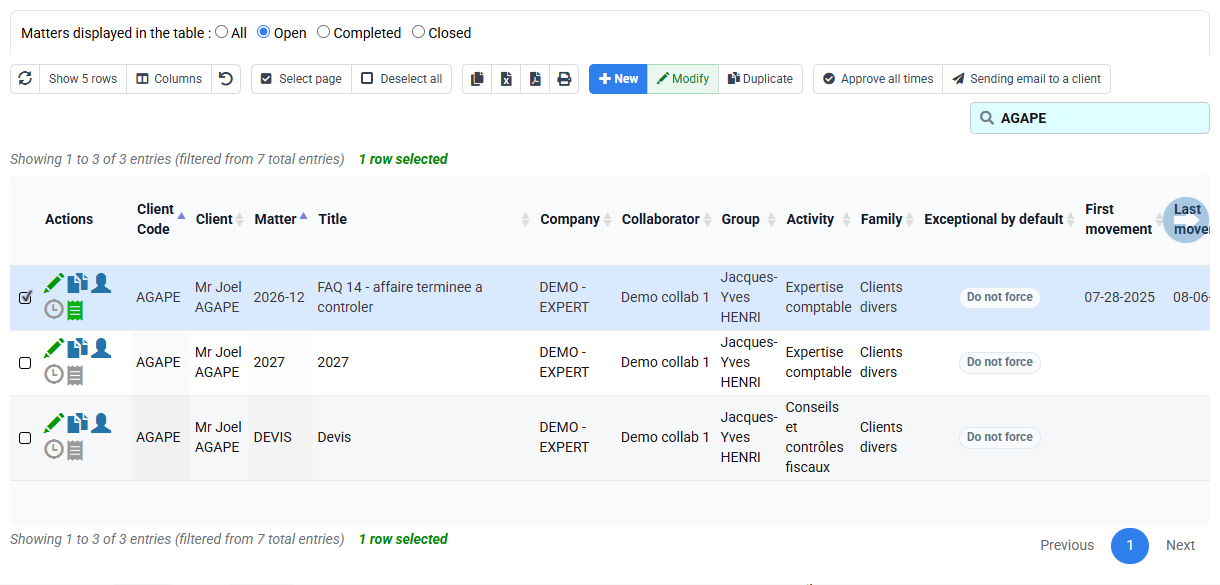
For your selected matter, treat its budget as the fixed-fee source and actual records as control information unless the contract explicitly adds them. If an expense is separately re-billable, identify it. Write included and excluded sources; this prevents the same work appearing once through budget and again through time.
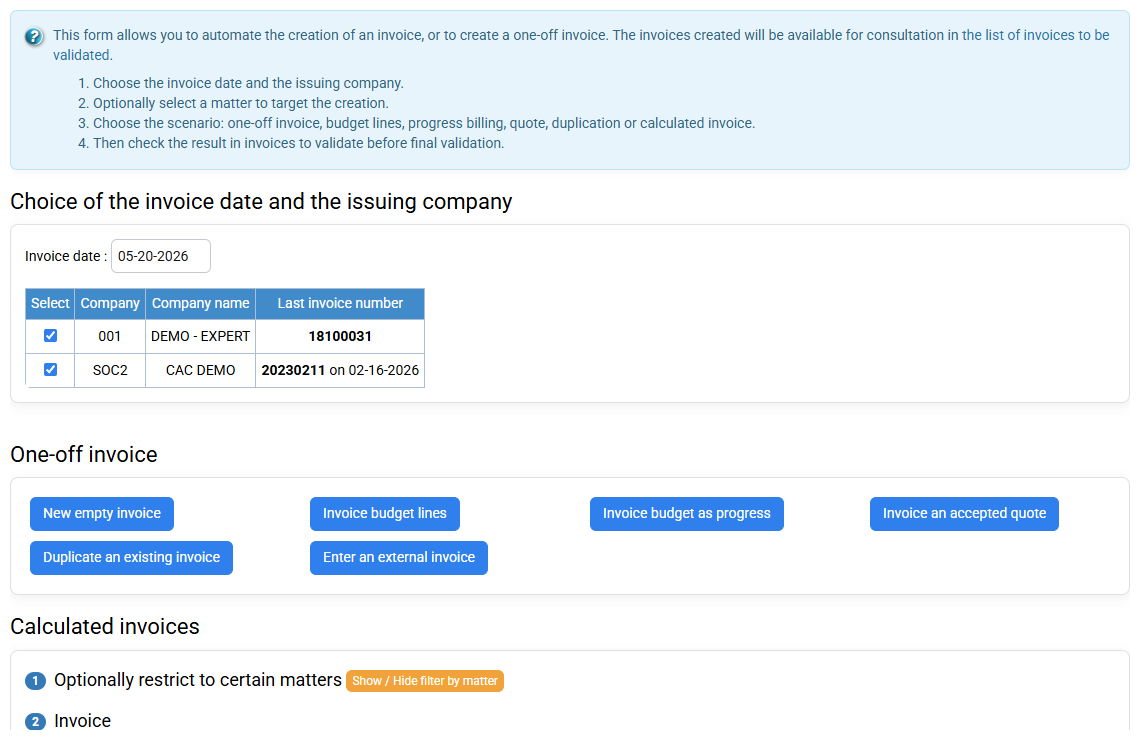
2. Fix the perimeter before selecting rows
Set your company, period, client, matter and intended invoice date. Confirm the accounting and service periods separately when needed. A broad preparation run can create many drafts; this workshop uses one client so every result can be predicted.
List all candidate budget, time and expense rows and their states. Exclude another period, matter, non-billable work and already-invoiced records. If the screen is empty, inspect filters, approval and eligibility; do not widen the period until unrelated rows appear.
3. Read the draft as a transformation of sources
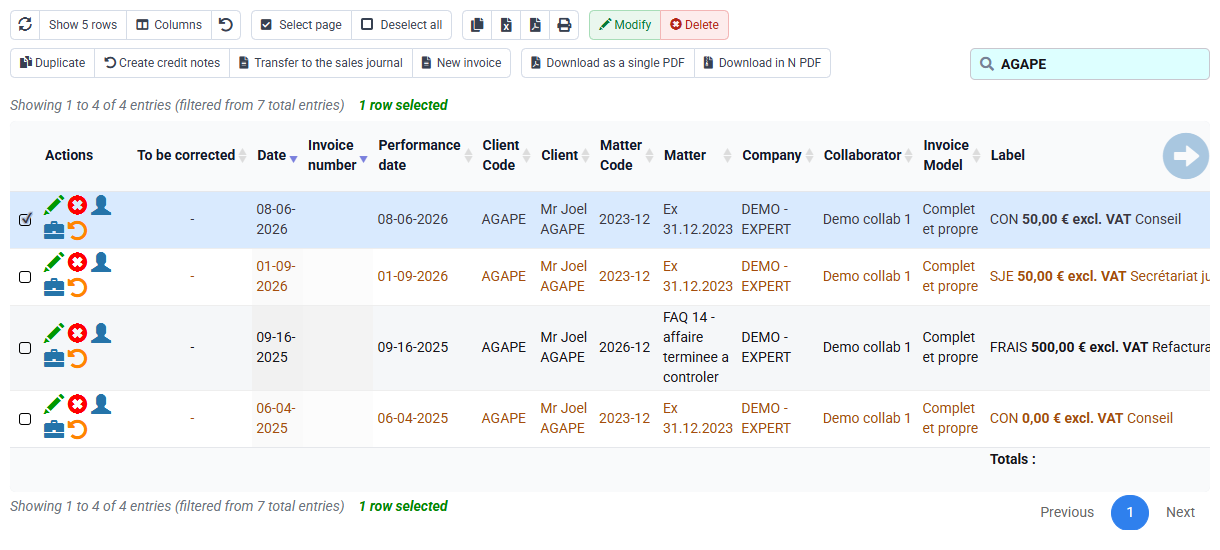
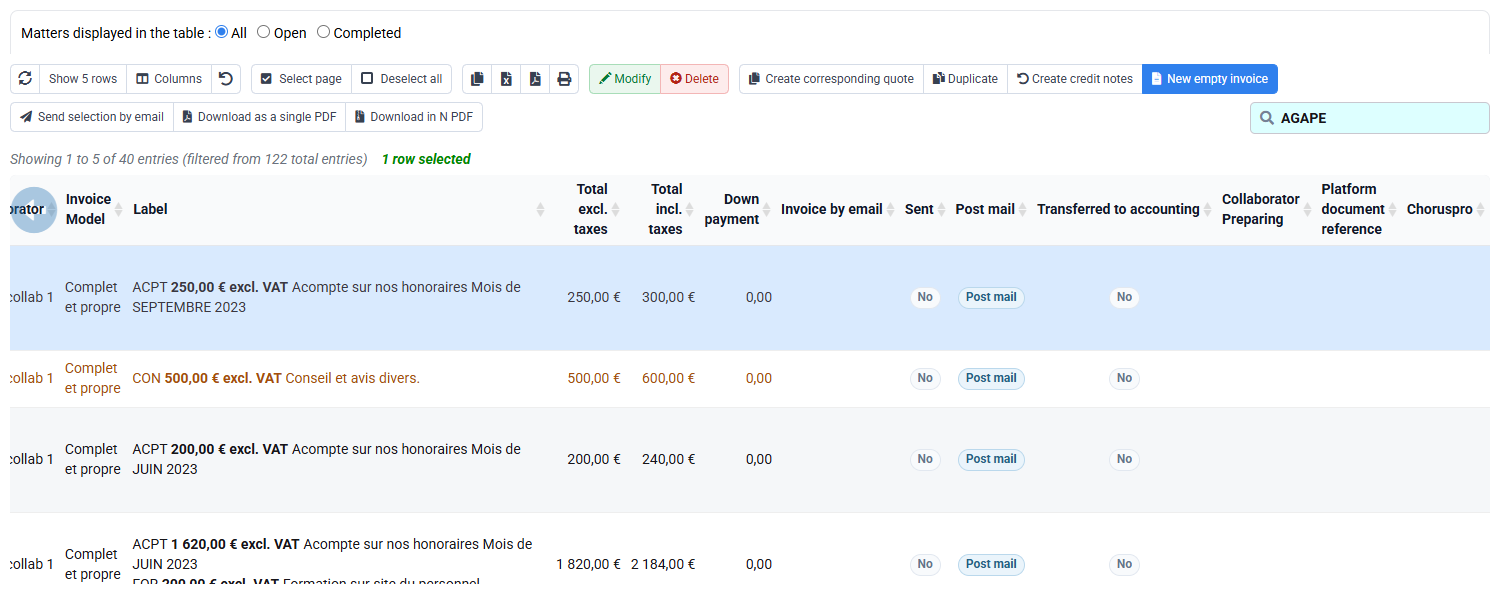
Open Invoices awaiting validation. The draft should contain the expected commercial lines and total. For each line, record its source, quantity, unit, unit price, description, sales code and VAT. Confirm that €850 appears once and that any added expense is supported by the contract and receipt.
A draft can be corrected or regenerated; this is the quality-control window. Compare source totals with draft totals and explain every grouping or rounding. Do not validate a line merely because the overall total looks right: two opposite errors can cancel each other.
4. Return to budget, time and expense evidence
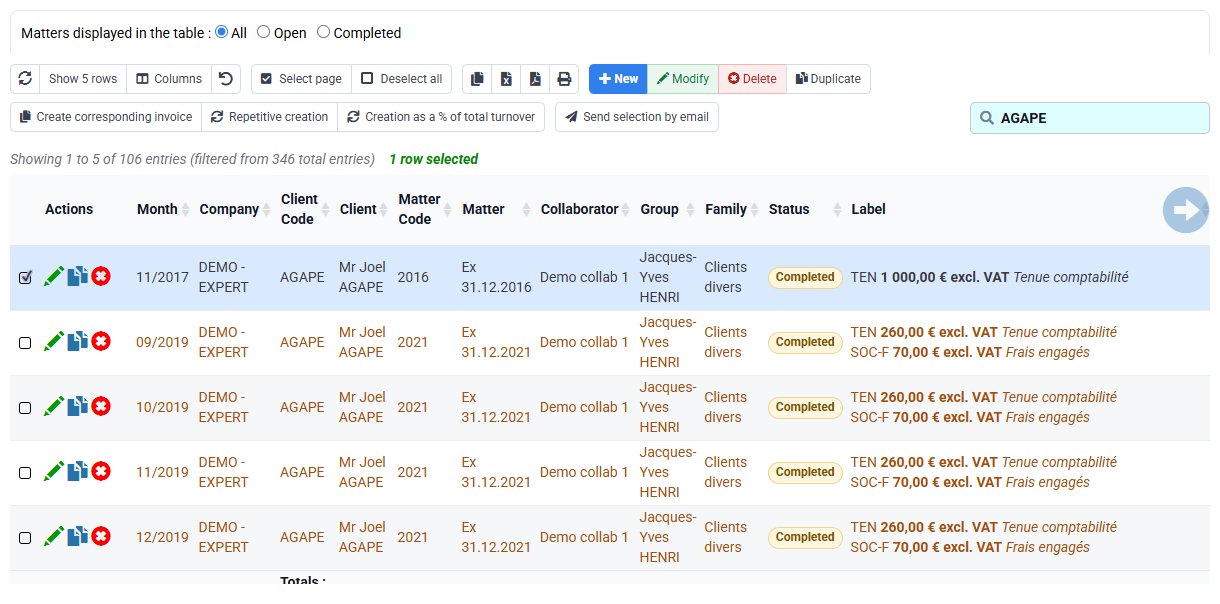
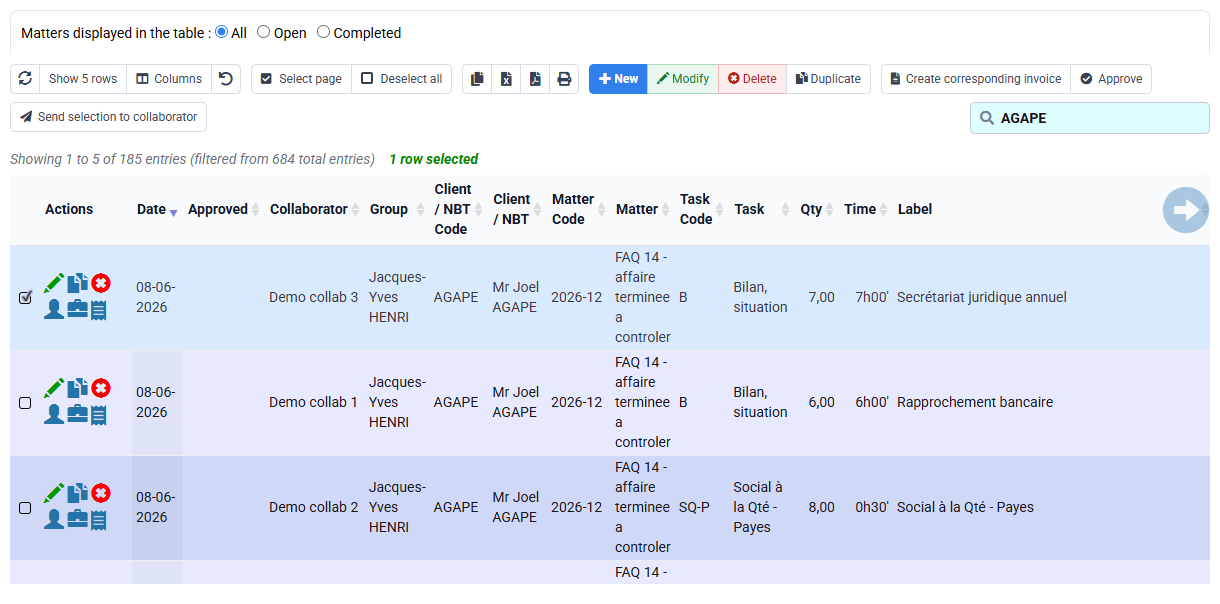
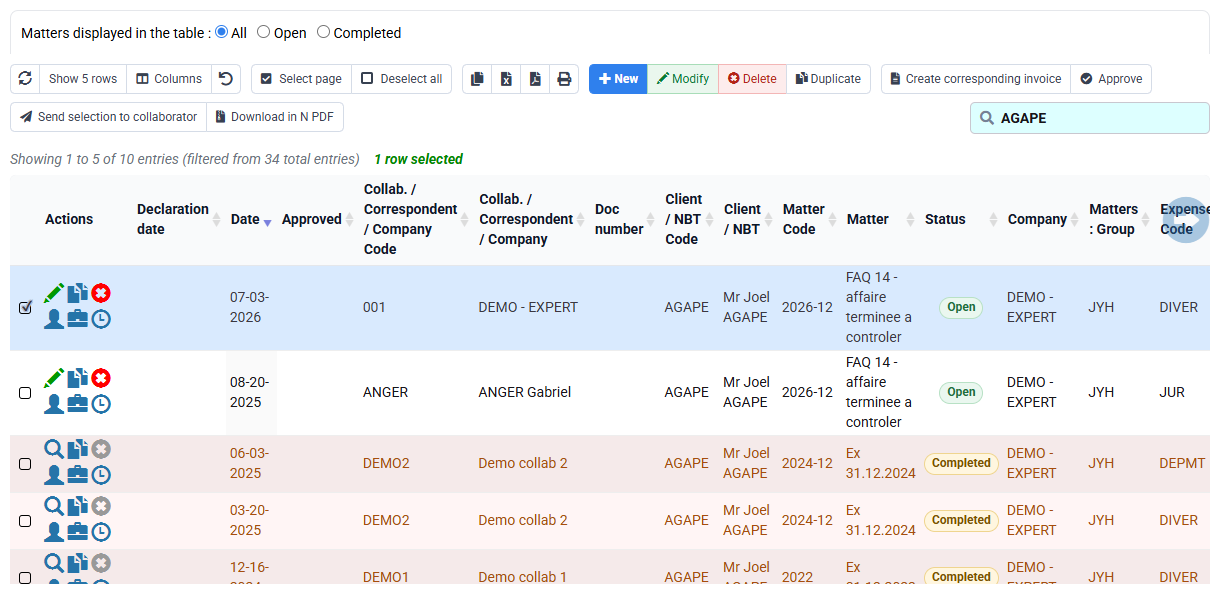
Open billing budgets and matter budget, then filter time and expense detail with the exact same perimeter. Check approval, billable status, already-invoiced indicator and dates. These views explain why a record is eligible; they should not be edited simply to force the draft.
When actual time exceeds budget, decide whether this affects commercial billing or only profitability. When an expense is missing, check its re-billable policy and evidence. Keep a reconciliation table with source identifier, expected treatment, observed treatment and diagnostic.
5. Validate reference data, client and presentation
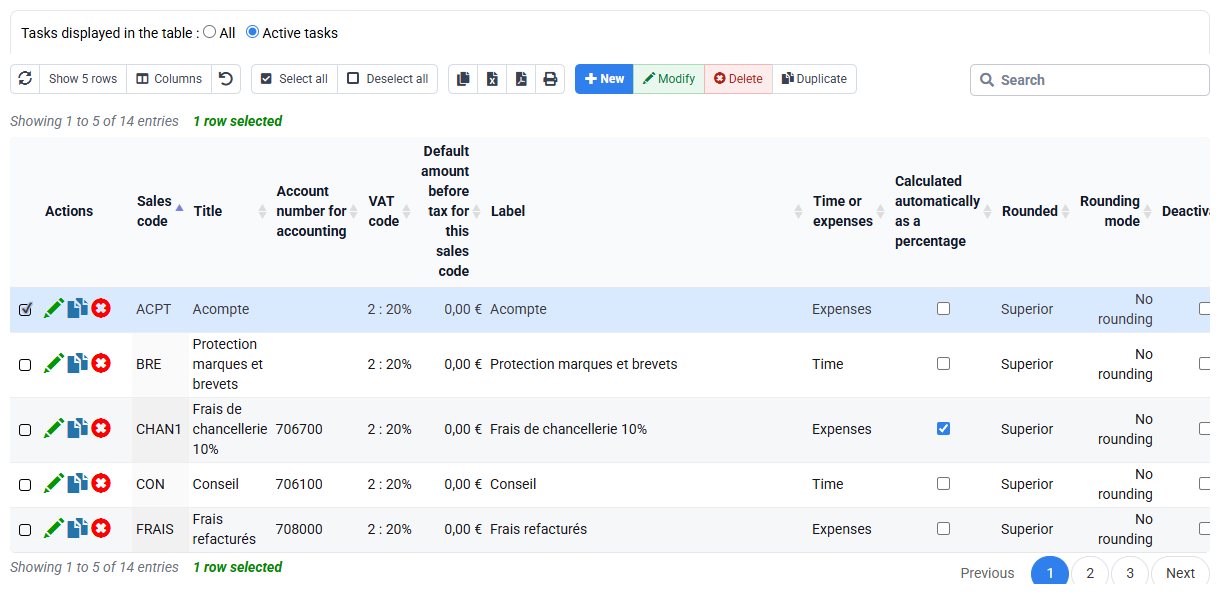
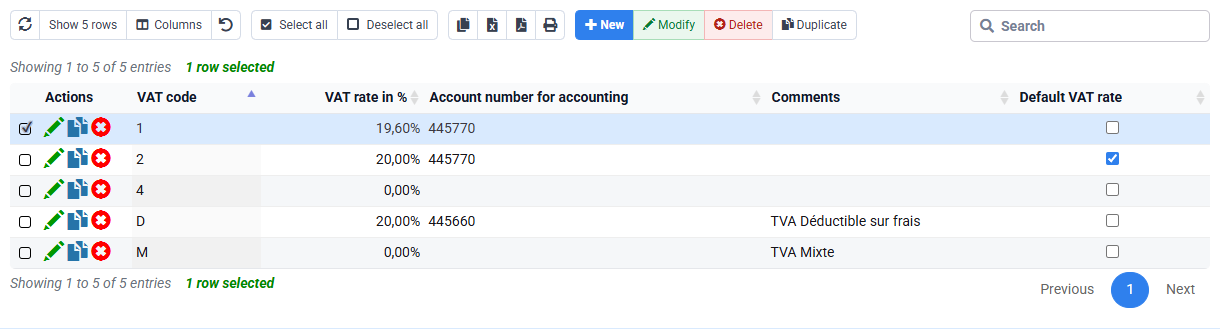
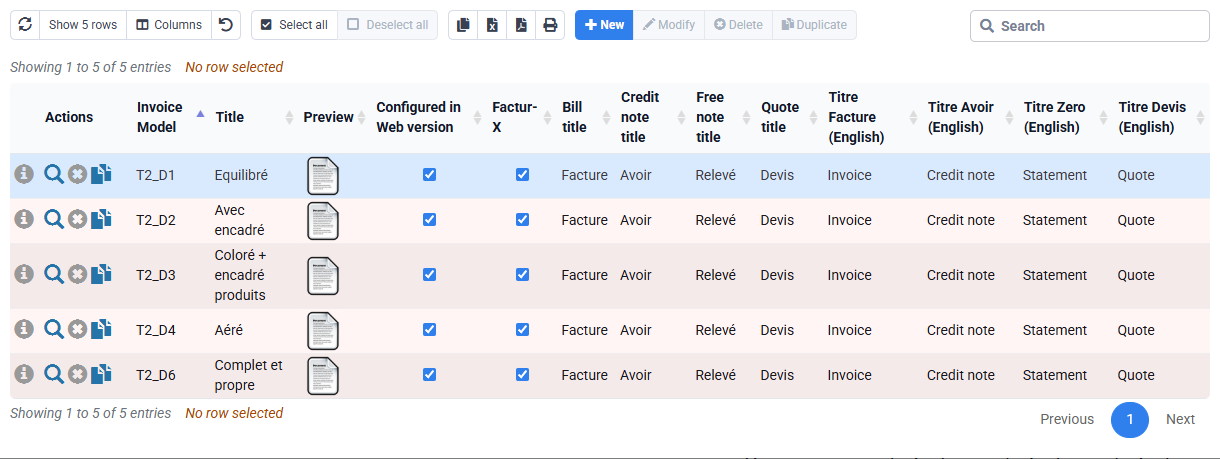
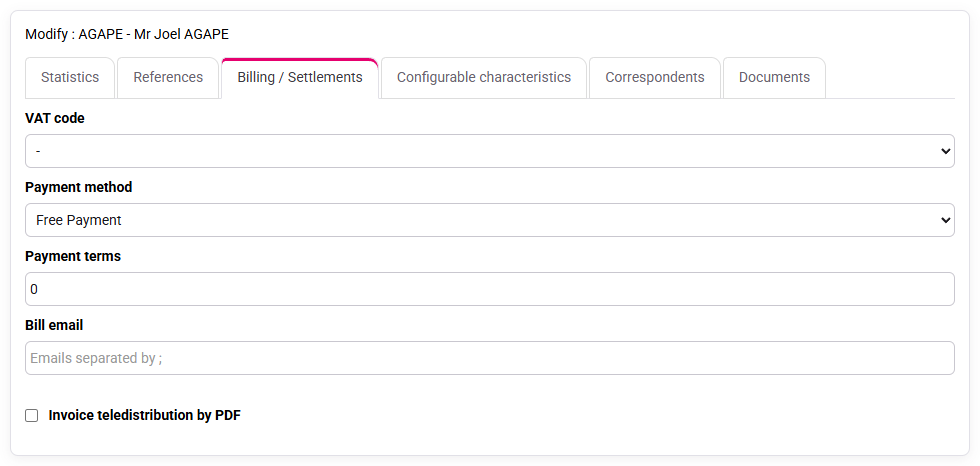
HONO determines wording, accounting and VAT behaviour; VAT code 2 determines tax; the template determines presentation. The client record supplies billing identity, contact, terms and electronic-routing data. The matter supplies operational context. Review sources rather than overwriting generated text without understanding the cause.
Preview the PDF. Check seller and buyer, number/date placeholders, line wording, net, VAT, gross, due date, bank details and legal text. A beautiful PDF does not prove correct sources, and correct structured data does not excuse an unreadable client document.
6. Anticipate validation and downstream effects
Validation changes an editable proposal into an issued document. After issue, corrections use credit-note or corrective-document workflows. Before validation, predict the journal entry, customer balance, source rows marked invoiced, accounting export and possible PA/eReporting status.
For training, stop before validation and state what each downstream screen should show. This mental rehearsal reveals missing identifiers or wrong terms without creating a fiscal document. A later transmission history may legitimately be empty before sending; treat it as a prerequisite check, never as evidence of successful transmission.
Hands-on preparation control
- 1. Write the expected scope and total for your selected client, then run the preparation only if authorised.One draft and no unrelated client or period.If not, review company, dates, matter and source switches.
- 2. Map every draft line to budget, time or expense evidence.Each line has one source and no source is billed twice.If not, inspect billable, approved and already-invoiced states.
- 3. Review HONO, VAT code 2, client, matter and PDF.Identity, calculation, wording and presentation agree.If not, correct the responsible source and regenerate.
- 4. Predict journal, balance, export and electronic routing without validation.Downstream effects are documented before commitment.If not, stop the draft and complete prerequisites.
Errors to avoid
- Choosing a method from the desired total instead of the contract.
- Combining fixed fee and actual time twice.
- Widening filters to solve an empty result.
- Validating from total alone.
- Correcting generated wording while leaving the source wrong.
- Treating an empty transmission history as successful transmission.
Step back
Invoice preparation is a controlled transformation: commercial rule selects sources, reference data translates them, the draft exposes the result and validation commits it. Quality means every transformation is explainable.
Compare another draft without issuing it
Choose a second matter and prepare one draft from the budget and one from actual time and expenses. Stop before validation or issue.
- 1. Before opening Tempolia, write down source method, selected rows, net amount, VAT, gross amount and the status of every source row.
- 2. Prepare each route separately, note its total, then cancel or discard the test draft before trying the other route. Return to the source row for every unexplained amount.
- 3. Test one billing anomaly: missing source, budget and actual selected together, wrong VAT or a row already used. Explain the cause before changing any value.
- 4. Close every tab and repeat the route from your notes. Then give the notes to a colleague and let that person perform the same read-only check without oral help.